
Immigration update/submission request instructions
Appointment booking
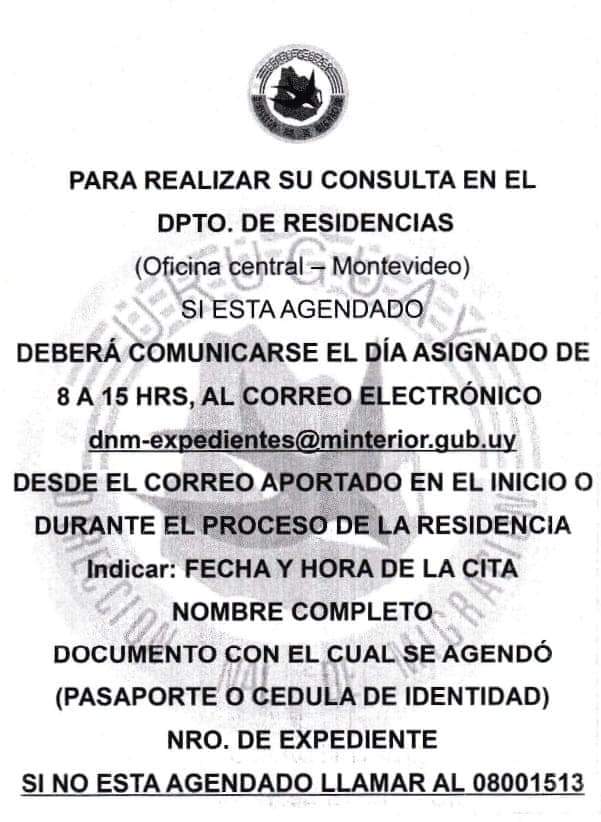
The Montevideo Immigration HQ no longer gives personal updates. They only give them via email. Documentation submissions and email updates are only given via an appointment. This system applies to those who applied in Montevideo or whose file has been completed and sent to Montevideo for its eventual review and approval.
Call the automated Immigration number (+598) 0800 1513 and select the following options (wait for the operator to finish talking before pressing the corresponding option):
- Press 1.
- Press 2.
- Type in your passport/cédula number associated with your case file.
- Select a date.
- Select a time.
Request the update
Write an email (solely on the scheduled date to receive an affirmative answer) to:
- dnm-expedientes@minterior.gub.uy (regular)
- dnm-residenciastemporarias@minterior.gub.uy (Mercosur & temporary)
- residenciasdefinitivasley20075@minterior.gub.uy (family tie)
Subject:
Full name and Immigration file number (featured at the back of your Uruguayan ID and on your Immigration file (above the picture of yourself on the top right corner of the form).
Body (in Spanish):
- Full name.
- Immigration file number.
- Date and time of the appointment
- ID number (the one you used for the appointment).
- Reason for your email.
- Attachment.
 Aldo’s Relocation Service